Answer first
If I had to rebuild my Claude Code setup from scratch, I would start with five things: Skills, Status Line, Routines, Remote Control, and Subagents. Together, they turn Claude Code from a coding assistant into a daily workflow system.
I do not think the most useful Claude Code features are always the most dramatic ones.
The impressive demos are fun: long-running tasks, huge planning runs, multi-agent experiments, browser control, giant codebase rewrites. But the features that actually change your work are usually quieter.
They help you:
- stop repeating the same prompt
- see what the session is doing
- schedule work instead of remembering it
- keep a local session alive from your phone
- split research, review, and implementation into cleaner lanes
That is the real unlock.
Claude Code is called Claude Code, but my daily use is not only software engineering. I use it for automation, research, writing, planning, operations, content systems, internal tools, and workflow design.
So this is not a universal ranking.
It is a practical one:
Which features change my day-to-day work the most?
The Short Version
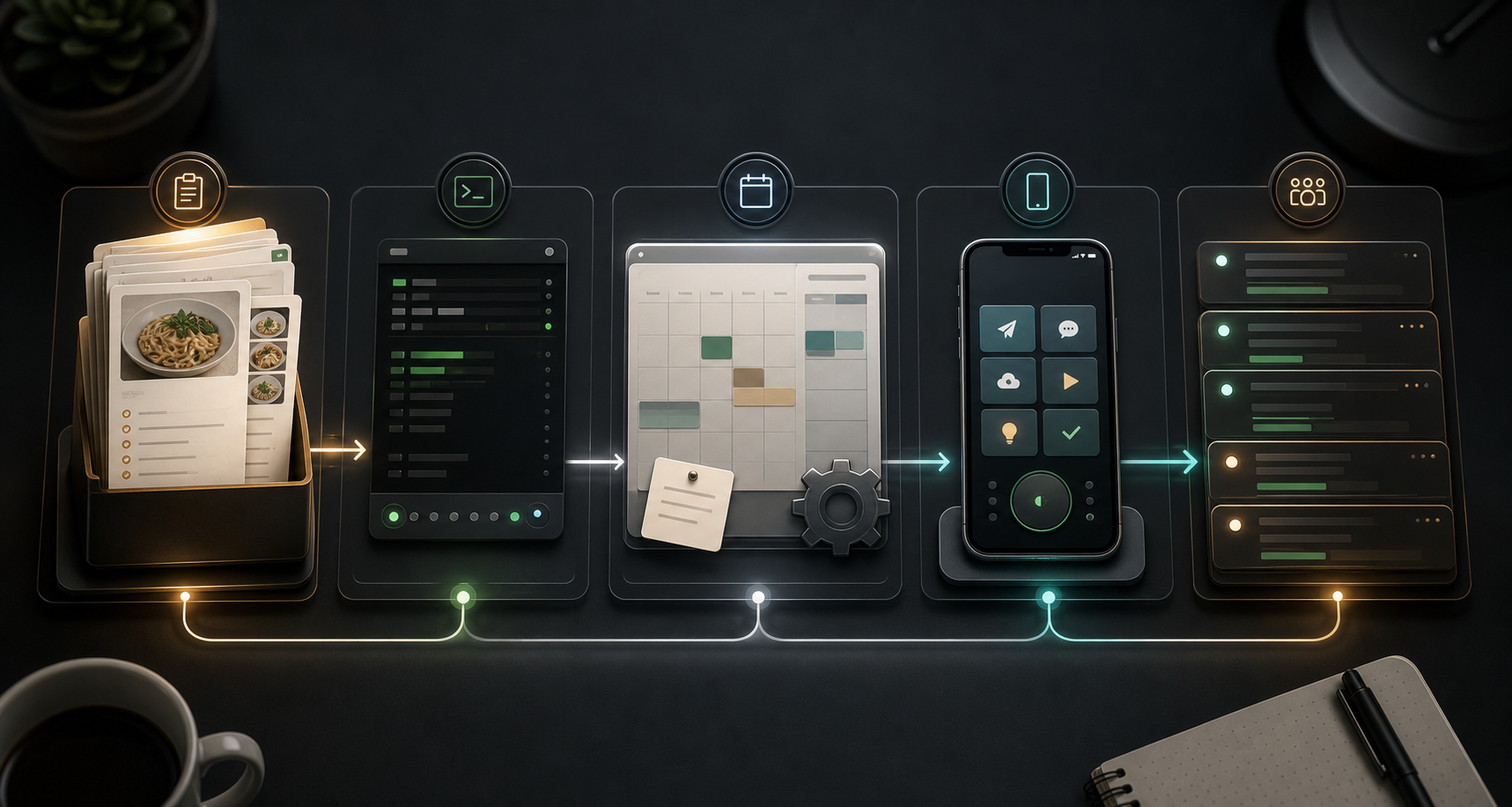
| Rank | Feature | Why it matters every day |
|---|---|---|
| 1 | Skills | Turn repeated prompts into reusable workflows |
| 2 | Status Line | Gives you a live operating dashboard for the session |
| 3 | Routines | Schedules real agent work, not just scripts |
| 4 | Remote Control | Lets you continue a local session from phone or browser |
| 5 | Subagents | Keeps parallel research and review out of the main context |
If you are new to Claude Code, do not try to learn every command at once.
Start with these.
1. Skills
Skills are the feature I would miss first.
The official Claude Code skills documentation describes skills as SKILL.md files that extend what Claude can do. You can invoke them directly with slash commands, and Claude can also load them when they are relevant.
That sounds simple. It is.
But the effect is huge.
A skill is a reusable recipe for work you keep doing. Instead of pasting the same instructions every time, you turn the workflow into a file.
That might be:
- a content editing checklist
- a session handoff routine
- a pull request review process
- a research workflow
- a client discovery script
- a design QA process
- a report-writing format
- a video transcript cleanup process
The point is not that skills make Claude smarter in some abstract way.
The point is that skills make your preferences durable.
Without skills, you keep explaining yourself. With skills, you build a small operating manual for how you work.
That is why this is number one.
Most people think of prompting as something you do in the moment. Skills turn prompting into infrastructure.
2. Status Line
The status line is not glamorous. It is still one of the most important Claude Code features.
Claude's status line documentation describes it as a customizable bar at the bottom of Claude Code. It can show context usage, cost, git state, model, session data, or anything else your script prints.
That matters because agent work has a hidden resource problem: context.
When you cannot see context usage, you are working blind.
You do not know when the session is getting heavy. You do not know when a large file dump quietly ate the window. You do not know when it is time to compact, hand off, summarize, or reset.
My ideal status line shows things like:
- model
- effort level
- context percentage
- token usage
- current directory
- git branch
- cost or session duration
That sounds small until you run multiple sessions.
Then it becomes the difference between controlled work and chaos.
The status line is the fuel gauge. Without it, you are driving by vibes.
3. Routines
Routines are where Claude Code starts feeling less like a chat box and more like an operating layer.
The routines documentation defines routines as saved Claude Code configurations that can run on a schedule, by API trigger, or in response to GitHub events. Anthropic also notes that routines are in research preview, so I would still treat them as something to scope carefully.
The big idea is simple:
You are not just scheduling a deterministic script.
You are scheduling an agent.
That means the routine can read context, use connectors, inspect a repo, follow instructions, summarize findings, and decide what to do next inside the boundaries you gave it.
Good routine ideas:
- every morning, review open tasks and summarize what needs attention
- every Friday, check content drafts and flag stale or incomplete pieces
- every night, inspect failed CI runs and prepare a fix plan
- every week, scan docs for drift after merged PRs
- after a deploy, run smoke checks and summarize risks
Bad routine idea:
Every day, improve my business.
That is not a routine. That is a wish.
Good routines need a tight definition of done.
Use this shape:
Run every weekday at 8:30 AM.
Check these sources.
Look for these conditions.
Produce this exact output.
Only take these actions.
Escalate if these risks appear.
Routines are powerful because they move recurring work out of your memory.
You stop asking, "Did I remember to check this?"
The system checks it.
4. Remote Control
Remote Control is the feature that makes Claude Code feel less trapped inside the terminal.
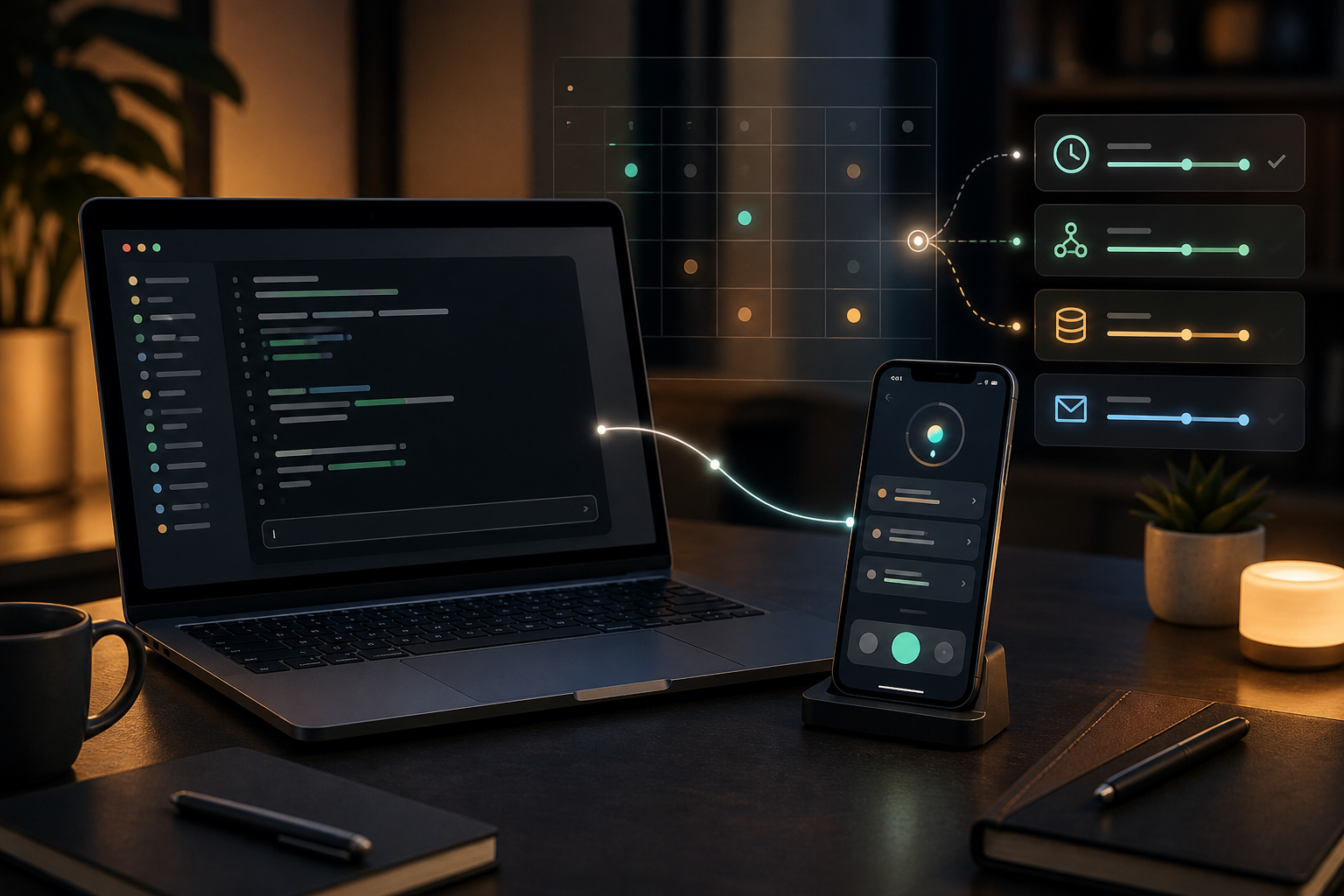
Claude's Remote Control documentation says it lets you continue a local Claude Code session from your phone, tablet, or browser. The important detail is that the session keeps running on your machine. The web or mobile interface is a window into that local session.
That distinction matters.
If I am working locally, I often want my filesystem, terminal tools, project config, and local MCP servers available. But I do not always want to sit at the desk while a session is thinking, checking, or waiting for feedback.
Remote Control fixes that.
I can:
- start the serious work locally
- step away
- review progress from my phone
- answer a question
- nudge the agent
- keep the session moving
This is especially useful for long planning tasks, content reviews, debugging sessions, and research loops.
The mental model is not "use Claude from your phone."
The mental model is:
Keep your local workbench open, but control it from wherever you are.
That changes how you work.
You stop babysitting the terminal.
5. Subagents
Subagents are the feature that made me stop dumping every task into one giant conversation.
The subagents documentation describes them as specialized AI assistants that handle specific tasks in their own context window. They can preserve the main conversation by doing noisy exploration elsewhere and returning the useful result.
That is the key.
Subagents are not just "more agents."
They are context hygiene.
If I ask the main session to research a topic, inspect ten files, compare examples, and then write the final answer, the main context gets messy fast. A subagent can do the messy part separately and return the distilled result.
Useful subagent patterns:
- research agent: gather sources and summarize only the useful findings
- reviewer agent: inspect a draft and list weak claims
- QA agent: test a frontend and report visual issues
- data agent: query a dataset and return the pattern
- critic agent: argue against the current plan before implementation
The trick is to give subagents a clear lane.
Do not spawn five vague helpers.
Spawn one with a job.
Example:
Use a research subagent to find official documentation for these five Claude Code features.
Return only confirmed feature names, links, and any preview-status caveats.
Do not draft the article.
That last line matters.
A good subagent should not steal the whole task. It should do the part that would pollute the main conversation.
Where /loop Fits
/loop almost made the list.
It is useful when you want a prompt to repeat inside a session: polling, reminders, periodic checks, lightweight monitoring. Claude's overview docs list /loop as a quick polling option inside a CLI session.
But I would still treat it as a tactic, not a foundation.
Routines are better for recurring work that should outlive a single session. Subagents are better for splitting serious work. Skills are better for reusable process.
Use /loop when the task is temporary and local.
Use routines when the task is repeatable and important.
My Recommended Starting Setup
If you are just getting serious with Claude Code, I would not start by installing every plugin or memorizing every slash command.
I would build this setup first.
- Create a status line that shows model, context percentage, current folder, and git branch.
- Create one skill for a workflow you repeat every week.
- Create one research or review subagent that keeps noisy exploration out of your main session.
- Create one routine with a narrow output, like a weekly docs drift check.
- Enable Remote Control so your local session is not chained to your desk.
That is enough to feel the shift.
Claude Code stops being a place where you ask for help.
It becomes a place where you design repeatable work.
Final Take
The best Claude Code features are not just about writing code faster.
They are about making agent work more durable.
Skills make instructions reusable.
Status Line makes the session visible.
Routines make recurring work automatic.
Remote Control makes local work portable.
Subagents make complex work cleaner.
That is why Claude Code is bigger than coding.
It is becoming a workflow environment.