
Answer first
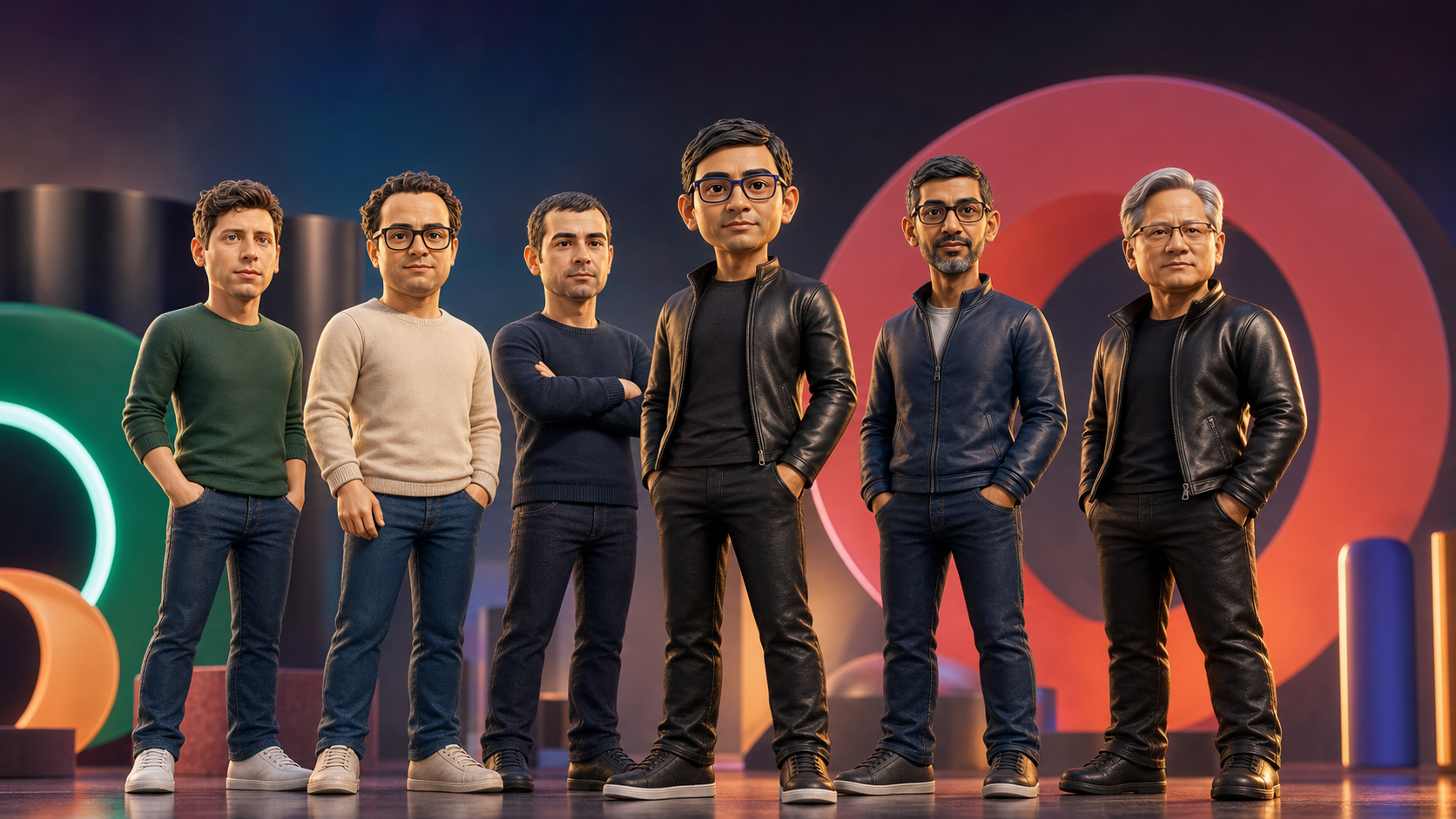
The best AI workflow for this kind of site is not one giant prompt. Generate the figure assets first, remove their backgrounds, then ask the coding agent for one focused carousel component and the final static website HTML.
The Workflow
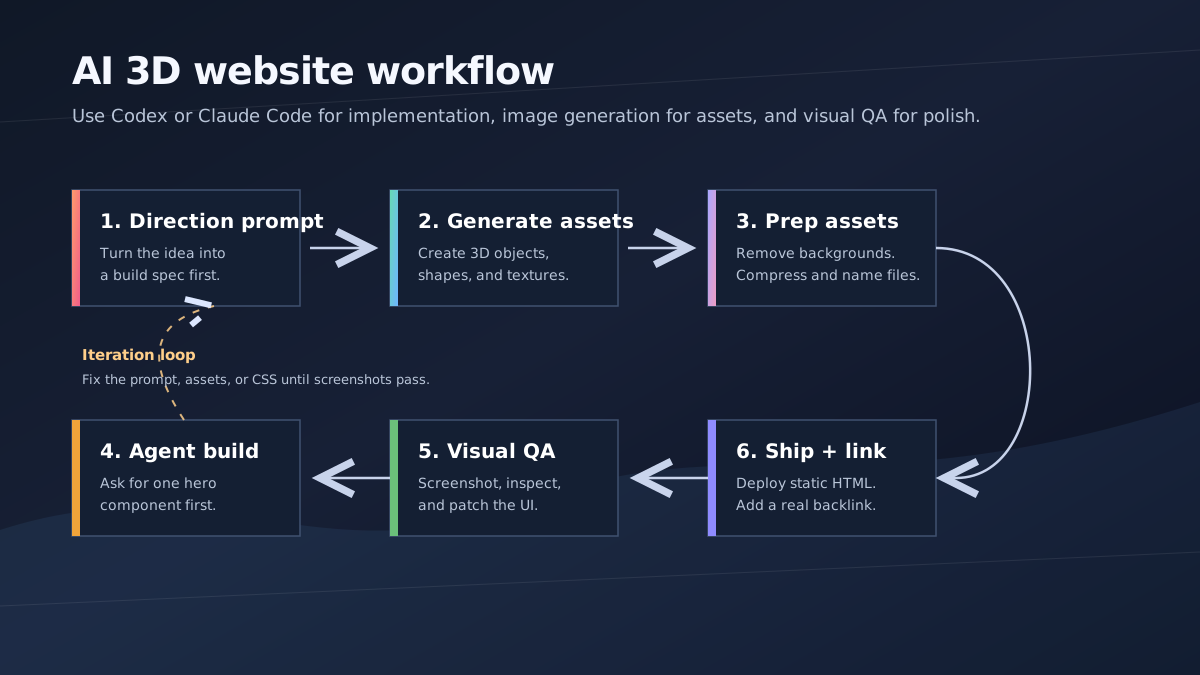
The live example is aiactionheroes.com. The site links back to this tutorial with a visible crawlable link, so the project page and article support each other.
What To Build
Build one full-viewport carousel hero:
- six transparent 3D figure PNGs
- giant display text behind the figures
- background color changes per active figure
- center, left, right, and back carousel roles
- blur, opacity, scale, and position transitions
- arrows, swipe, keyboard controls, and auto-rotation
- static HTML that can be hosted on GitHub Pages
Use rendered 3D assets rather than WebGL for the first version. It is faster to ship, easier to QA, and usually looks better for a launch-page hero.
1. Generate The Figures
Prompt assets separately from the website code. Keep lighting, camera, crop, and scale consistent.
Create a premium stylized 3D action-hero figurine for a web carousel.

Character: [person or character name].
Pose: [specific varied pose].
Style: collectible designer toy with realistic facial features.
Lighting: soft studio key light, subtle rim light, clean product-render finish.
Camera: full-body, centered, straight-on, enough padding around the body.
Background: plain white or transparent.
Restrictions: no text, no logo, no watermark, no cropped feet, no extra characters, no box, no packaging, no accessories.
Then save the final transparent files with real paths. Do not let the coding agent invent image URLs.
2. Remove The Background
The figures should not carry white rectangles into the carousel.
1. Generate each figure on a plain white or transparent background.
2. Remove the background in an image editor or background-removal tool.
3. Save the result as a PNG with transparency.
4. Confirm the file has an alpha channel.
5. Use the transparent PNG in the carousel.
Also make the image containers transparent. The two common mistakes are a background: #fff on the card and a background: #fff on the image itself.
3. Prompt The Coding Agent
Ask for the hero first. Do not ask for a full marketing site.
Create src/components/AiActionHeroesCarousel.tsx and wire it into App.tsx.
Do not create extra pages, pricing sections, feature cards, testimonials, or a footer.
Then give the build prompt:
Build a single full-viewport hero section in React + TypeScript + Vite + Tailwind CSS using lucide-react arrows.
The component is a 3D action-hero carousel for "AI ACTION HEROES".

Use a HEROES array with six items: name, src, bg, panel.
Preload all hero images with new Image().

State:
- activeIndex: 0 to HEROES.length - 1.
- isAnimating: boolean lock.
- isMobile: window.innerWidth < 640, updated on resize.

Carousel roles:
- center = activeIndex.
- left = previous item.
- right = next item.
- back = remaining items.

Motion:
- background, transform, filter, opacity, and position transition over 650ms.
- use cubic-bezier(0.4,0,0.2,1).
- ignore navigation clicks while isAnimating is true.

Layout: full viewport, giant ghost text "AI HEROES" behind the figures, bottom-left copy and arrows, bottom-right link to the SupaMakers tutorial.
Mobile: smaller figures, hidden long copy, controls remain reachable.

QA: add alt text and aria labels, respect prefers-reduced-motion, check desktop and mobile screenshots, run the production build.
4. Ship The Static Site
Build the website HTML, not just a component preview.
npm run build
For GitHub Pages, commit the static site and add:
CNAME: aiactionheroes.com
The live site should include a normal visible link back to this article:
<a href="https://supamakers.com/blog/advanced-3d-shape-websites-with-ai">
  Build tutorial
</a>
Do not make it nofollow.
Final QA
Before publishing, check:
aiactionheroes.comloadswww.aiactionheroes.comredirects toaiactionheroes.com- all figure images load
- PNGs have alpha transparency
- no CSS adds a white image background
- images are preloaded
- navigation is locked during animation
- auto-rotation does not fight manual navigation
- mobile layout is different from desktop
- reduced motion is handled
- the static build works after deployment